

AKDev Spline animation – Delight your users experience with 3d scroll animations.
v1.0.3anasakdev · 2024年7月31日 上架
Create Spline 3d scrolling animations with ease and wow your users.
- 正在使用
- 100+
- 评分
- 暂无
- 累计下载
- 3,213
- 最近更新
- 2024年11月14日
贡献者
 anasakdev
截图
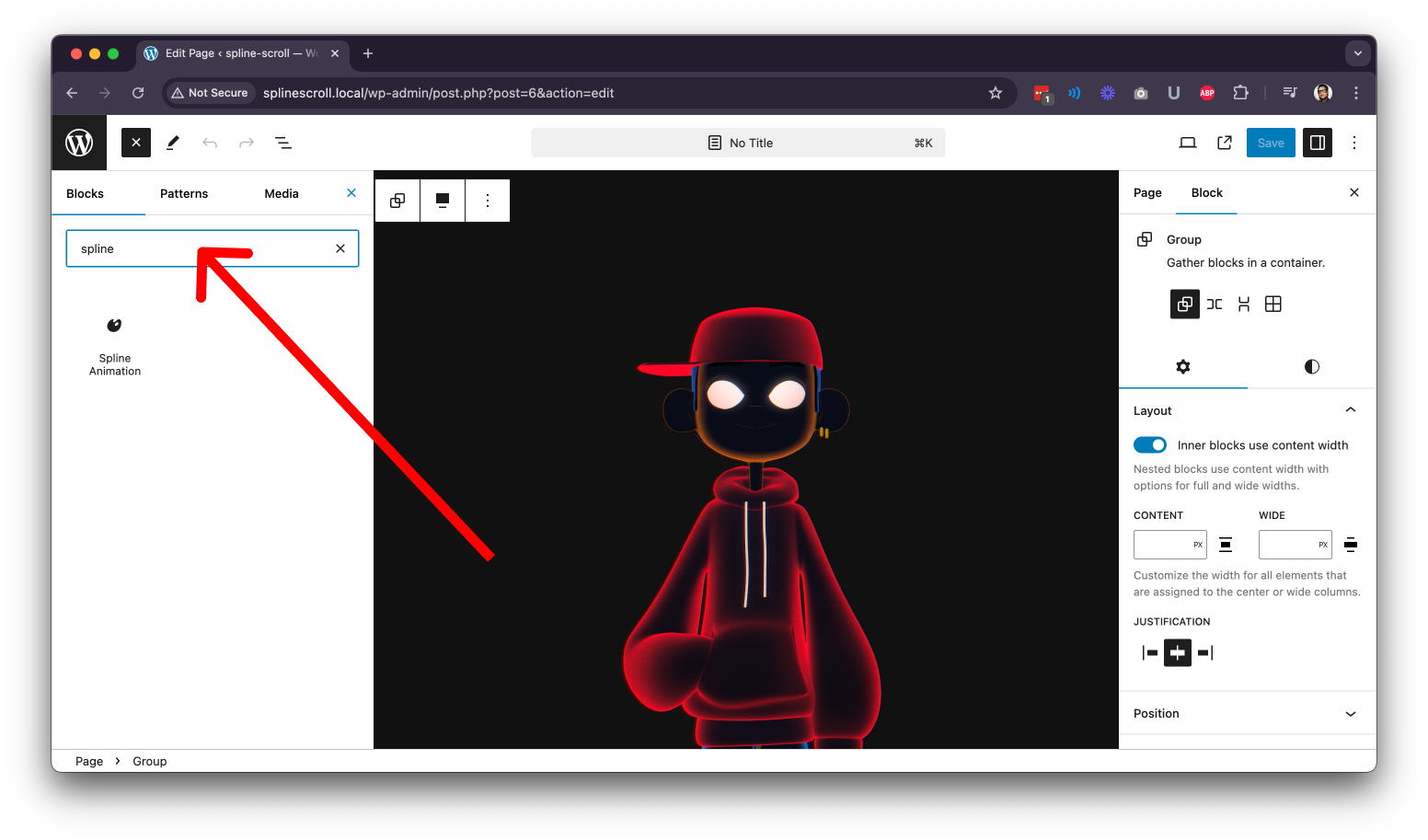


Introducing a new WordPress Gutenberg plugin: AKDev Spline animation! Say goodbye to boring websites and hello to interactive 3D magic. With this plugin, you can easily add stunning 3D animations that respond to scrolling, giving your site a whole new dimension.
No need to be a tech whiz – our interface is super simple and intuitive. Just pick your favorite spline 3D models and watch them come to life as visitors scroll through your content.
Whether you’re showcasing products, sharing your portfolio, or telling a story, 3D Scroll Effects adds that extra “wow” factor that’ll keep your audience hooked.
Why settle for ordinary when you can turn your WordPress site into a captivating experience? Upgrade your website today with Spline animation and watch as your content comes to life!
For whom
- Creative Designer and Agencies.
- Trainer / Course Creators
- E-commerce sites that want to display their products in 3D.
- Web designer/developer
Features
- Animation Interface: intuitive user interface to add 3d animations
- Responsive options: currently the only responsive functionality in plugin is to show or hide the animation block on different devices, to access that settings click on the animation block and see the right sidebar and scroll down until you see “responsive settings” checkbox enable it and add your settings there.
How to use
- First, install the Spline animation Block plugin
- Add the Spline animation block from the block category called “Animations” in the Gutenberg editor.
- You can change block settings from the right-side settings sidebar.
-
Enjoy!
-
For installation help click on Installation Tab
Feedback
- Did you like this plugin? Dislike it? Do you have a feature request? Please share your feedback with me
Inspect github code
You can view and inspect this plugins full source code on github
Terms and Privacy Policies
This plugin uses the following scripts, and their respective terms and privacy policies are listed below:
- Spline
- License: https://github.com/splinetool/react-spline/blob/main/LICENSE
- The following URLs originate from the Spline script: