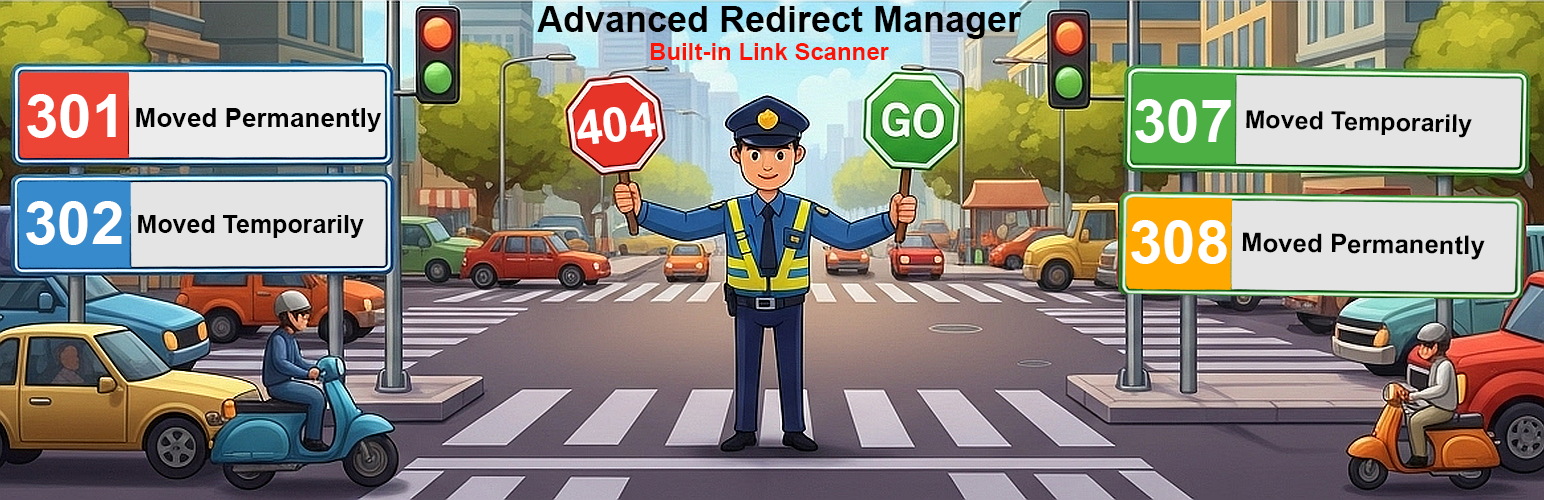

Advanced Redirect Manager 301
v2.0.0NewCodeByte · 2025年8月11日 上架
Manage 301, 302, 307 and 308 redirects, serve 403, 410 and 451 HTTP status codes, monitor 404 errors, and fix broken links.
- 正在使用
- 70+
- 评分
- 5.0 / 5
- 累计下载
- 1,854
- 最近更新
- 2026年11月8日
贡献者
 NewCodeByte
截图




Advanced Redirect Manager is a powerful yet user-friendly WordPress plugin designed to give you complete control over your website’s URLs, redirects, and link health.
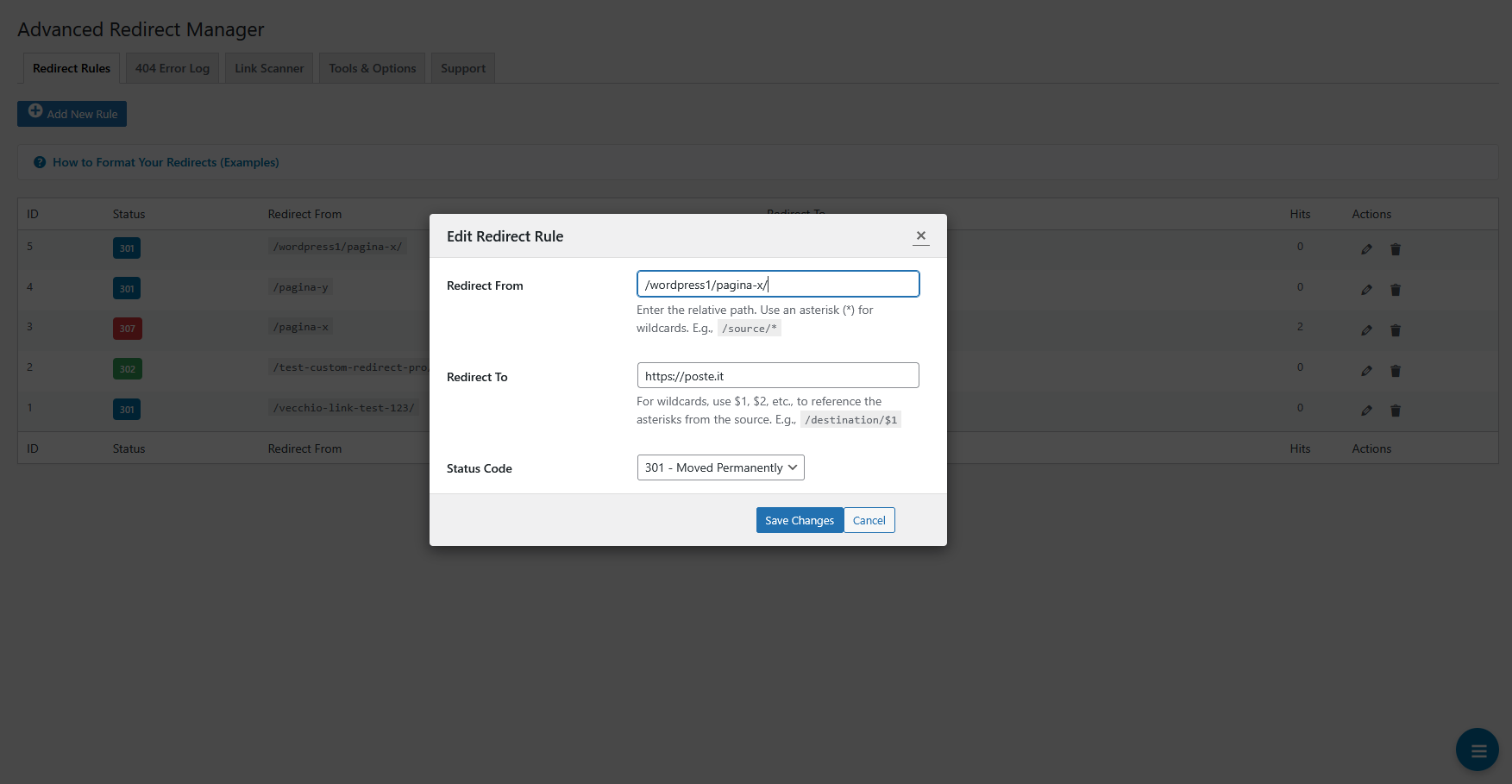
Create and manage all standard redirects (301, 302, 307 and 308), including advanced wildcard rules. Serve specific HTTP error responses such as 403 (Forbidden), 410 (Gone) and 451 (Unavailable For Legal Reasons) for content that should no longer be accessible.
The plugin also monitors HTTP errors, including 404 (Not Found), helping you identify broken URLs, inaccessible resources, and potential issues affecting your visitors.
With its configurable 404 logging system, you can enable or disable error recording whenever you need it, without affecting the redirect engine.
Advanced Redirect Manager also includes flexible Query String handling, allowing you to choose exactly how URL parameters are matched and transferred during redirects.
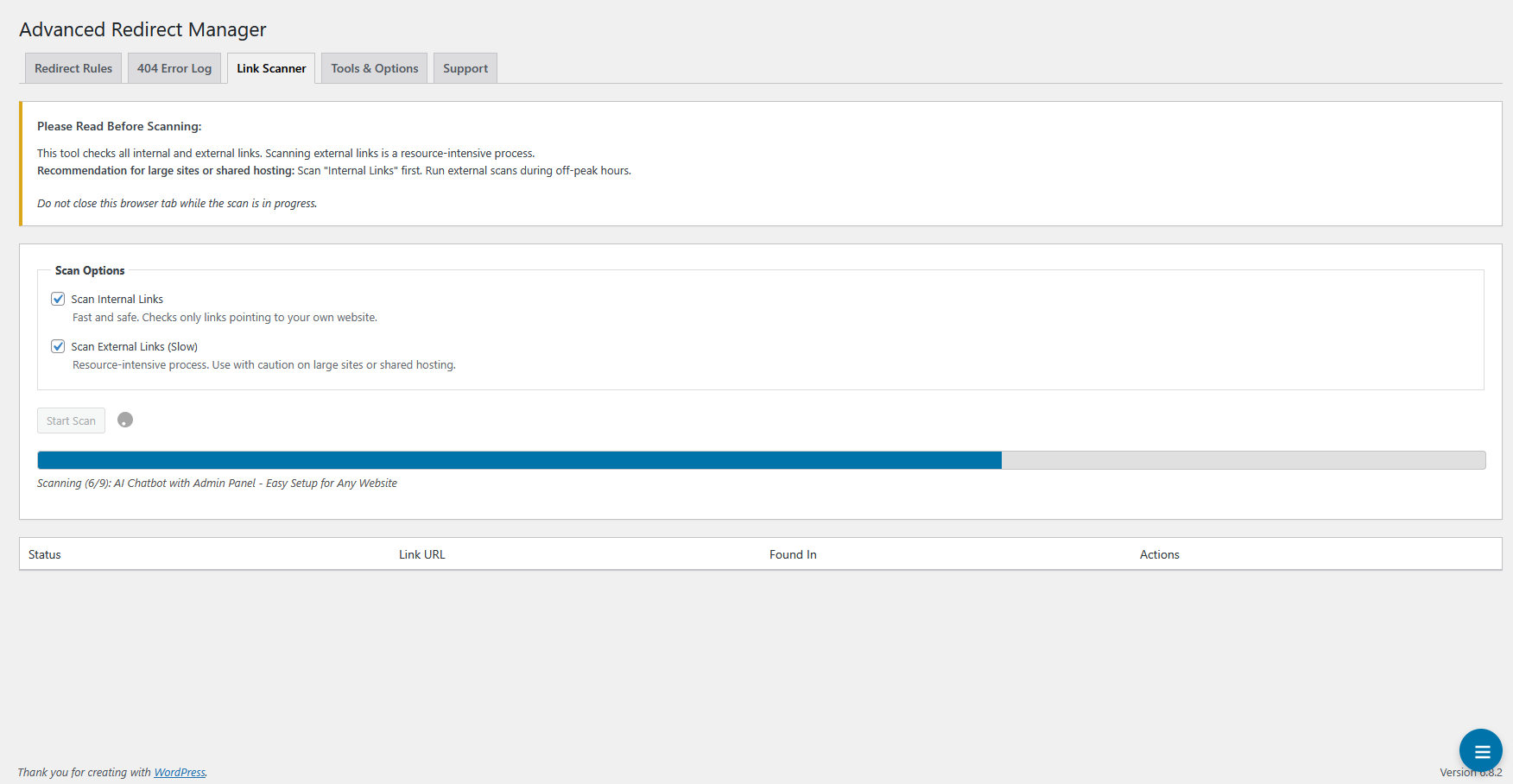
What truly sets the plugin apart is its proactive Link Scanner. Don’t wait for visitors to report broken links. Its intelligent scanner checks your posts and pages, identifying both internal and external broken links before they can negatively affect your website’s user experience and search engine visibility.
Whether you’re migrating a website, restructuring your content, managing complex URL patterns, or maintaining a healthy link structure, Advanced Redirect Manager provides the tools you need in one package.
Why Choose Advanced Redirect Manager?
- Complete URL Control: Manage standard redirects (301, 302, 307 and 308) and serve specific HTTP error responses such as 410 (Gone), 403 (Forbidden) and 451 (Unavailable For Legal Reasons).
- Advanced Query String Management: Choose between Ignore, Exact, Original + Pass and Exact + Pass to control how URL parameters are matched and transferred.
- Powerful Wildcard Redirects: Redirect entire directories or URL patterns using a single rule (e.g. /blog/* to /articles/$1).
- 404 Error Logging: Automatically capture 404 errors and identify URLs visitors are trying to access.
- Configurable 404 Logging: Enable or disable 404 error recording directly from the plugin settings.
- One-Click Redirect Creation: Turn a logged 404 URL into a redirect rule directly from the error log.
- Proactive Broken Link Scanner: Find and fix broken links throughout your content before search engines or visitors encounter them. Checks both internal and external URLs.
- SEO-Friendly: Maintain a clean URL structure, manage redirects correctly and identify broken links that could affect your website’s SEO.
- Performance-Oriented: Built with performance in mind, using WordPress Object Cache to minimize database queries.
- Developer-Friendly: Clean, structured and object-oriented code.
Features in Detail
Redirect Rules Tab
- Add, Edit and Delete Rules: Manage all your redirects from a single AJAX-powered table.
- Standard HTTP Redirects: Choose between 301, 302, 307 and 308 status codes.
- HTTP Error Responses: Serve 410 (Gone), 403 (Forbidden) and 451 (Unavailable For Legal Reasons) responses for specific URLs.
- Wildcard Support: Use an asterisk (
*) to match URL patterns. Use$1,$2in the destination URL to reference captured values. - Query String Modes: Choose how incoming query parameters are matched and transferred:
- Ignore: Match the URL path only. Do not transfer query parameters.
- Exact: Require an exact match of the URL path and query string. Do not transfer original parameters.
- Original + Pass: Match the URL path only and transfer the original query parameters.
- Exact + Pass: Require an exact query string match and transfer the original parameters when the rule matches.
- Destination Parameter Priority: When transferring original parameters, parameters already configured in the destination take precedence in case of name collisions.
- Smart “Redirect To” Search: Start typing in the “Redirect To” field to search for posts, pages and categories on your website.
- Hit Counter & Last Used: Track how many times each redirect has been used and see the date of its last use.
- In-context Help: Access examples and instructions for URL formats, wildcards and Query String Modes directly from the plugin interface.
HTTP Error Logging
- 404 Error Monitoring: Record requests that result in a 404 (Not Found) response.
- 404 Logging Toggle: Enable or disable 404 error recording directly from the plugin interface.
- Request Details: Capture relevant information such as the requested URL, timestamp, referrer and user agent.
- One-Click Redirect Creation: Create a redirect rule directly from a logged 404 entry, with the requested URL pre-filled.
- Filtered Logging: Ignore common bot traffic and irrelevant requests, such as requests for non-existent files, to keep the logs useful.
- Log Management: Manage and clear recorded error entries.
Disabling 404 logging does not affect redirect processing or existing redirect rules. Previously recorded log entries are retained.
HTTP error monitoring does not override or bypass access restrictions imposed by WordPress, the web server or other security plugins.
Link Scanner Tab
- Scan Internal & External Links: Choose to scan links pointing to your own website, external websites, or both.
- Intelligent Chunking: Process website content in small batches to help prevent server timeouts, making scanning suitable for large websites and shared hosting.
- Actionable Results: Identify broken links, including HTTP 4xx and 5xx responses and connection errors, showing the exact post or page where each link was found.
- Contextual Actions:
- For internal broken links, create a redirect rule directly from the results.
- For external broken links, use the “Edit Post” action to open the relevant content and fix the link.
Tools & Options Tab
- Import/Export via CSV: Back up redirect rules to a CSV file or migrate them to another website. The importer can handle new rules and update existing ones.
- Bulk Actions:
- Reset all redirect hit counters to zero.
- Permanently delete all redirect rules, with multiple confirmations to prevent accidental deletion.