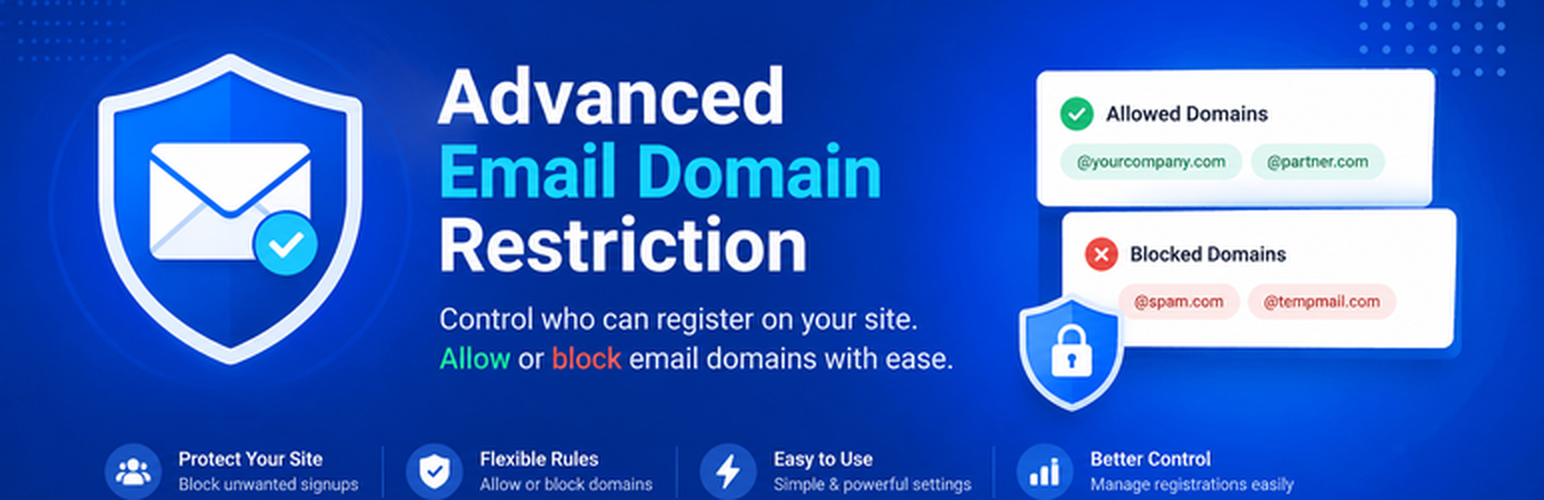

Advanced Email Domain Restriction
v1.5.0Md Siddiqur Rahman · 2024年7月11日 上架
Restrict WordPress user registration to allowed email domains, block spam signups, and secure WooCommerce, LearnDash, and form registrations.
- 正在使用
- 100+
- 评分
- 5.0 / 5
- 累计下载
- 3,090
- 最近更新
- 2026年8月15日
 Md Siddiqur Rahman
截图


Advanced Email Domain Restriction (AEDR) gives you full control over who is allowed to create an account on your WordPress site. Instead of letting anyone register with any email address, restrict registration to a trusted allow-list of company domains, specific email addresses, top-level domains (TLDs), or wildcard subdomains — and stop spam registrations, fake accounts, and unauthorized signups before they happen.
Whether you run a company intranet that should only accept @yourcompany.com addresses, a course platform that should only enroll students with a .edu email, or a membership site that wants to block free webmail providers, AEDR gives you a simple allow-list-based way to enforce it — with no regex or code required.
Common Use Cases
- Restrict registration to your company domain — only allow
@yourcompany.comemails to sign up for an internal site, intranet, or extranet. - Block spam and fake account registrations — stop bots and throwaway/disposable email signups by only accepting domains you trust.
- Gate course or membership access by email domain — for example, only allow
.eduaddresses to register for a student-only LearnDash course, or restrict a corporate LMS to employee emails. - Control WooCommerce customer registration — prevent unauthorized signups on your WooCommerce store at checkout or account creation.
- Enforce domain rules across every registration form on your site — WooCommerce, LearnDash, BuddyPress, MemberPress, Paid Memberships Pro, Contact Form 7, WPForms, Elementor Pro, Gravity Forms, and Fluent Forms all respect the same allow-list.
Key Features
- Allow-list Only: Restrict registrations to a specific list of trusted domains, exact email addresses, TLDs, or wildcard subdomains.
- Bulk Upload: Import large lists of domains via CSV.
- Domain Export: Download your allowed domains list for backup or analysis.
- WooCommerce Support: Fully compatible with WooCommerce customer registration.
- Form & Field Plugin Support: Automatically validate email fields in Contact Form 7, WPForms, Elementor Pro, Gravity Forms, Fluent Forms, and Advanced Custom Fields (ACF).
- LMS & Membership Support: Works with LearnDash, Tutor LMS, BuddyPress / BuddyBoss, MemberPress, and Paid Memberships Pro registration flows.
- TLD & Full Email Support: Restrict registrations to specific TLDs (e.g., .com) or specific email addresses (e.g., user@example.com).
- Wildcard Subdomain Support: A rule like
*.example.commatches bothexample.comand any subdomain, such assales.example.com. - Case-Insensitive: Matches
gmail.comregardless of how the user types it. - Custom Messages: Define your own error messages for restricted domains.
- Live Test Checker: Instantly test any email address in the admin panel to confirm whether it would be allowed or blocked.
- No Regex, No Code: Every rule type is entered as plain text — no technical knowledge required.