
Advanced Category and Custom Taxonomy Image
v2.1.1Sajjad Hossain Sagor · 2019年3月12日 上架
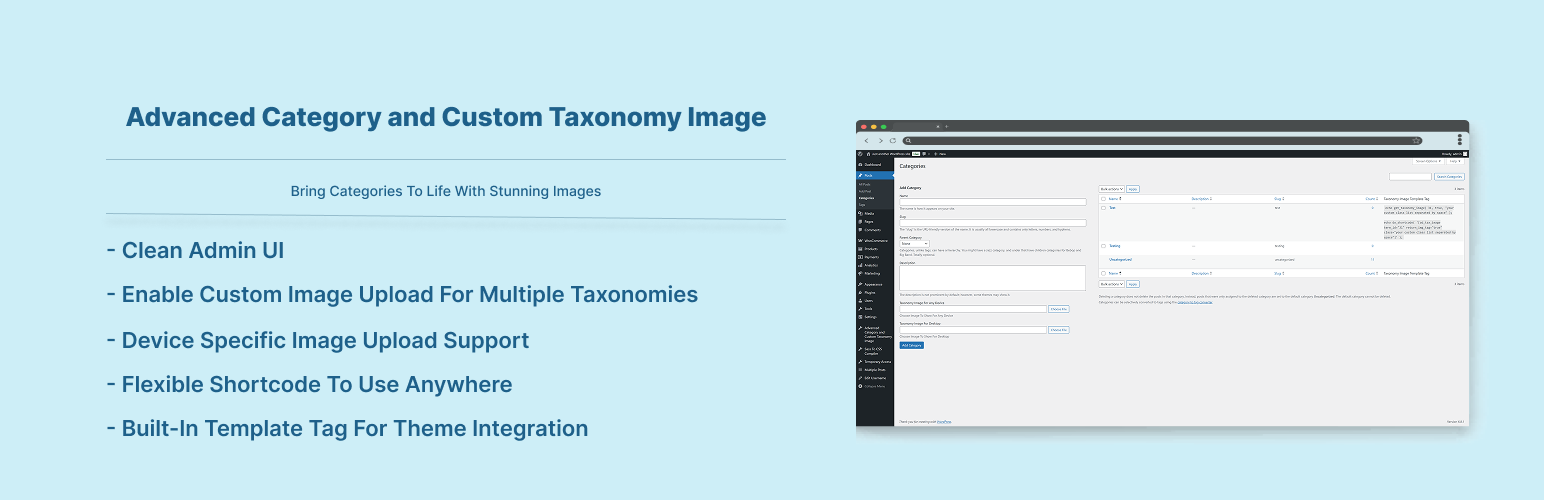
Add Custom Image To Your Category / Custom Taxonomy Field With Advanced Category and Custom Taxonomy Image Plugin.
- 正在使用
- 1,000+
- 评分
- 5.0 / 5
- 累计下载
- 3 万
- 最近更新
- 2026年9月22日
 Sajjad Hossain Sagor
截图

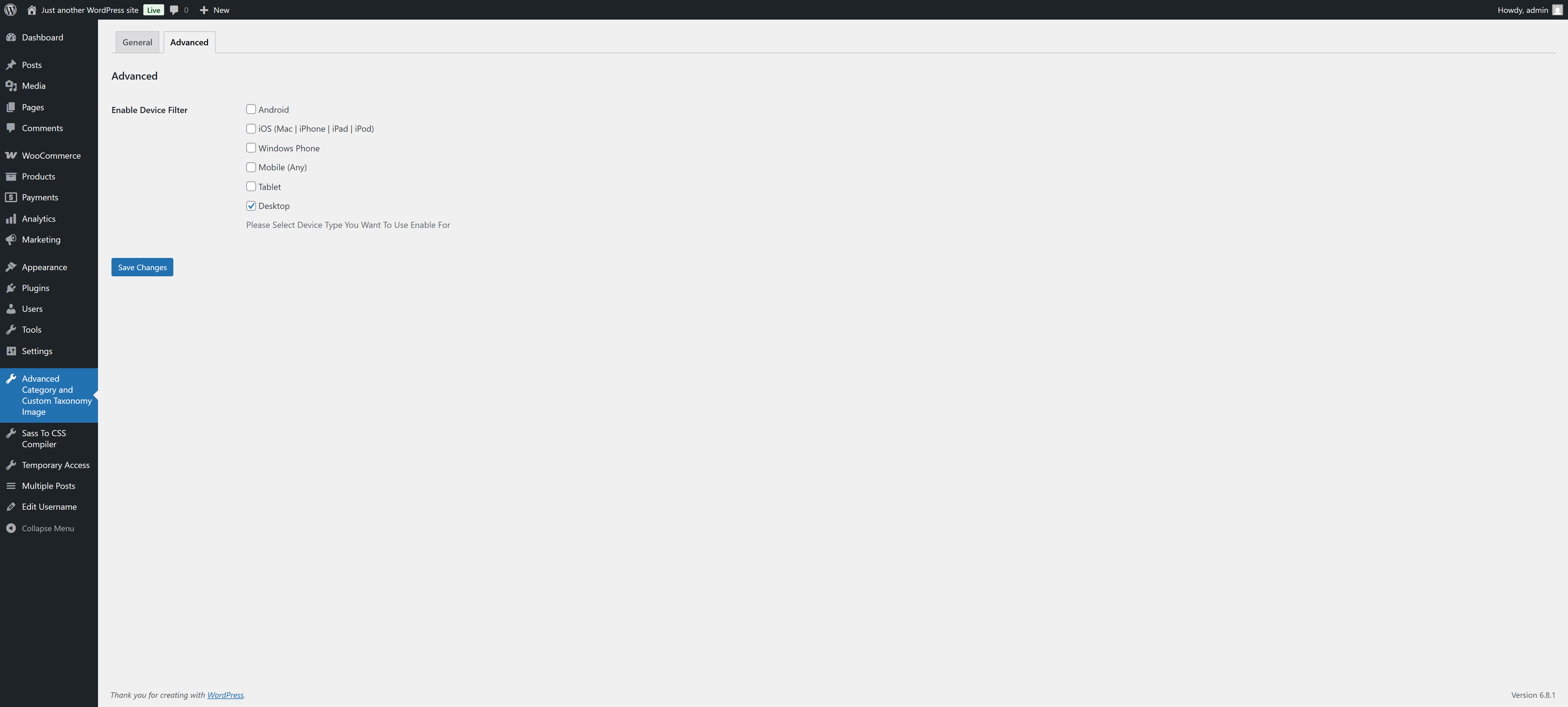
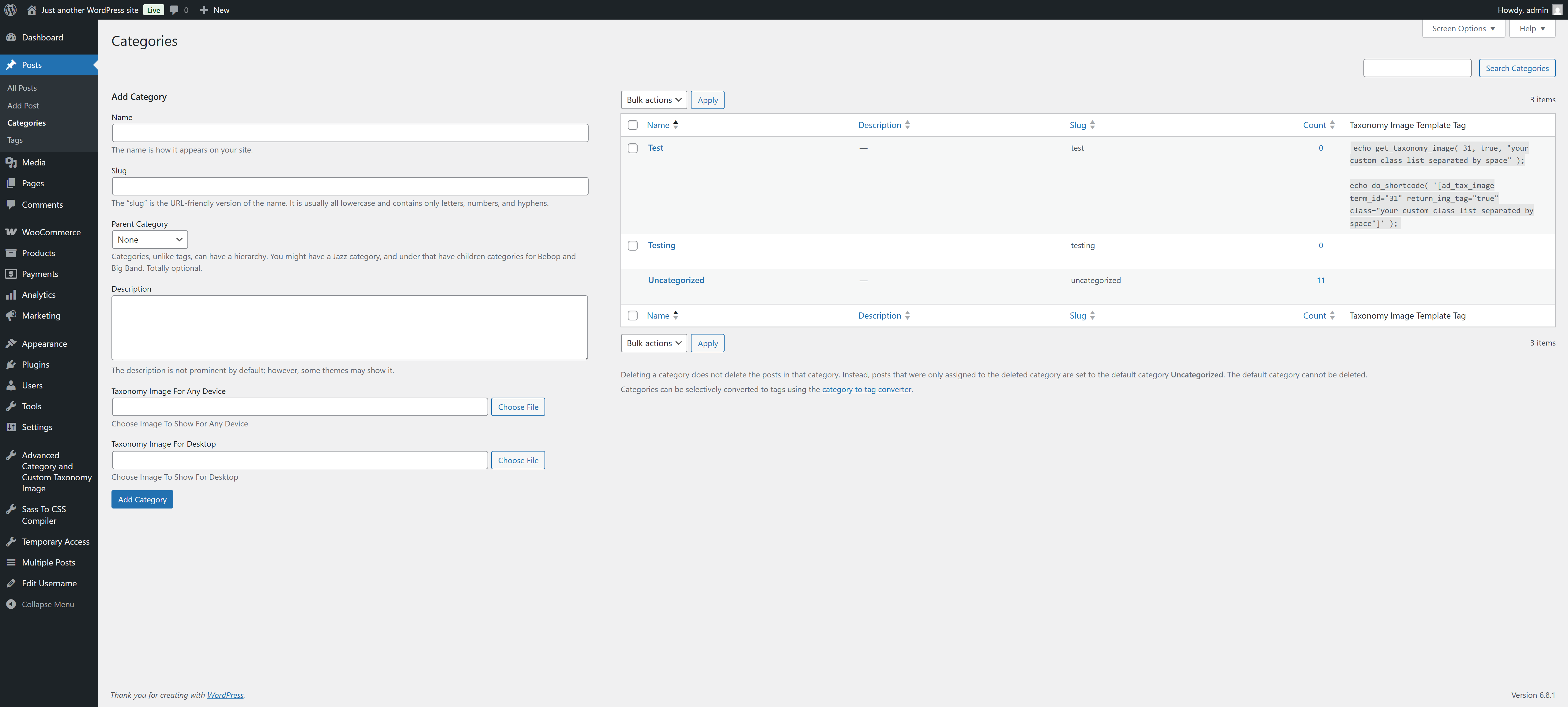
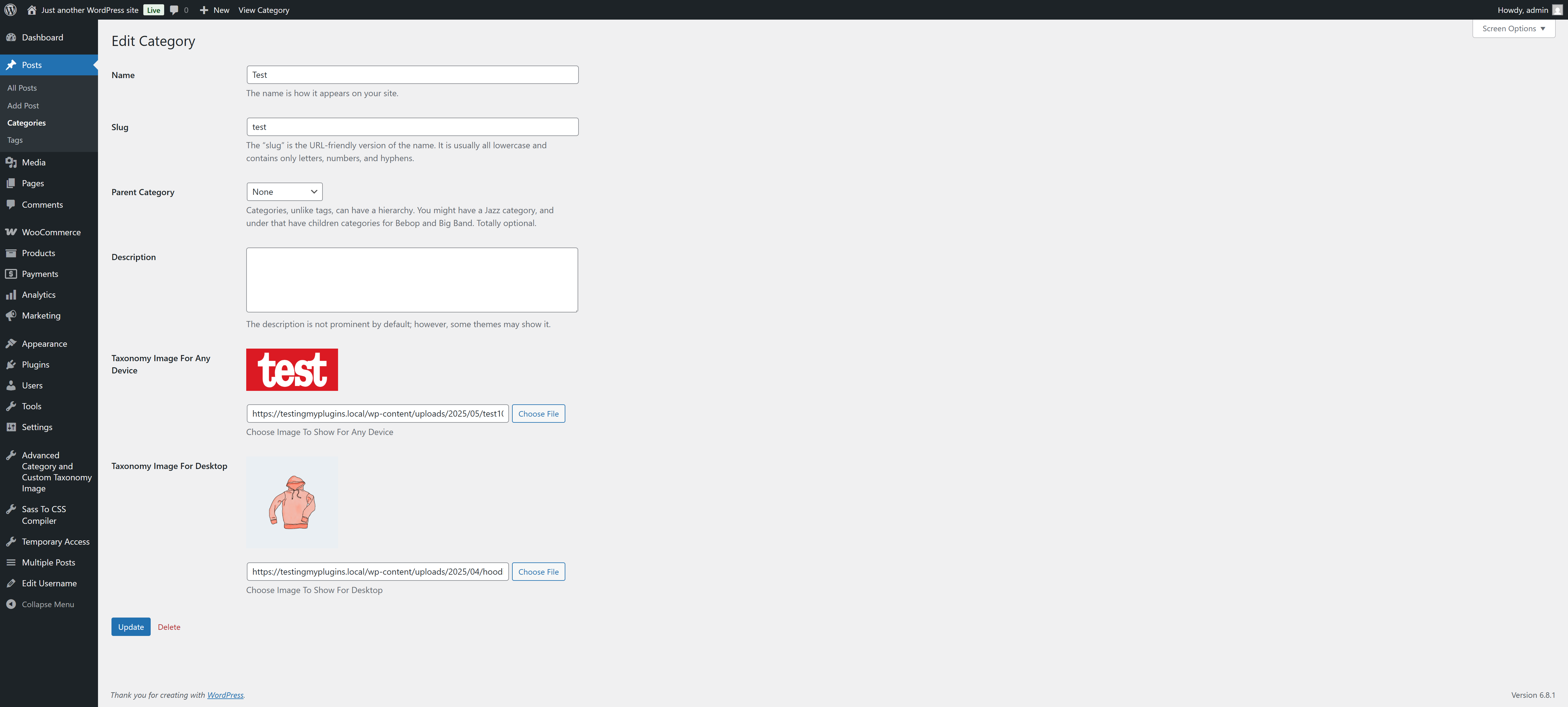
Now its easier to include category / custom taxonomy image with this plugin for different platforms. No need to overload mobile bandwidth with high pixel image size. You can now select different image for different devices. Upload Different Image For Different Devices ex: Mobile, Tablet, Desktop, iOS, Android, Windows Phone.
Built-in Template Tag To Use Anywhere You Want In Your Theme : get_taxonomy_image( $term_id, $return_img_tag, $class );
Documentation
$taxonomy_img = get_taxonomy_image( int $term_id = get_queried_object()->term_id , boolean $return_img_tag = false , string $class = '' );

get taxonomy image url if $return_html = true then return  tag

Parameters :
$term_id
(int) (Required) Taxonomy ID of the term.

$return_img_tag
(boolean) (Optional) Formatted Image with  tag for the field during output.

$class
(string) (Optional) A space separated string of CSS classes to add to the  tag. classes ex: "your custom class list separated by space" but $return_img_tag should be true to add image class.

echo $taxonomy_img; // taxonomy image url
where $term_id is ‘category / term id’
Shortcode : use the shortcode anywhere to get taxonomy image. If you don’t provide “term_id” value then it will be current queried page taxonomy automatically.
echo do_shortcode( '[ad_tax_image term_id="" return_img_tag="true" class="your custom class list seperated by space"]' ); // keep term_id empty if you want to show current visited taxonomy archive image.
Features
- Option To Enable Custom Image Upload for different taxonomies
- Option To Enable Custom Image Upload for different devices
- Very simple to use & WP Default Media Uploaded to upload image
- Built-in Template Tag to use in your theme template
- Shortcode to use anywhere.