
AdSimple Cookie Consent Banner
v2.5.0AdSimple · 2020年3月31日 上架
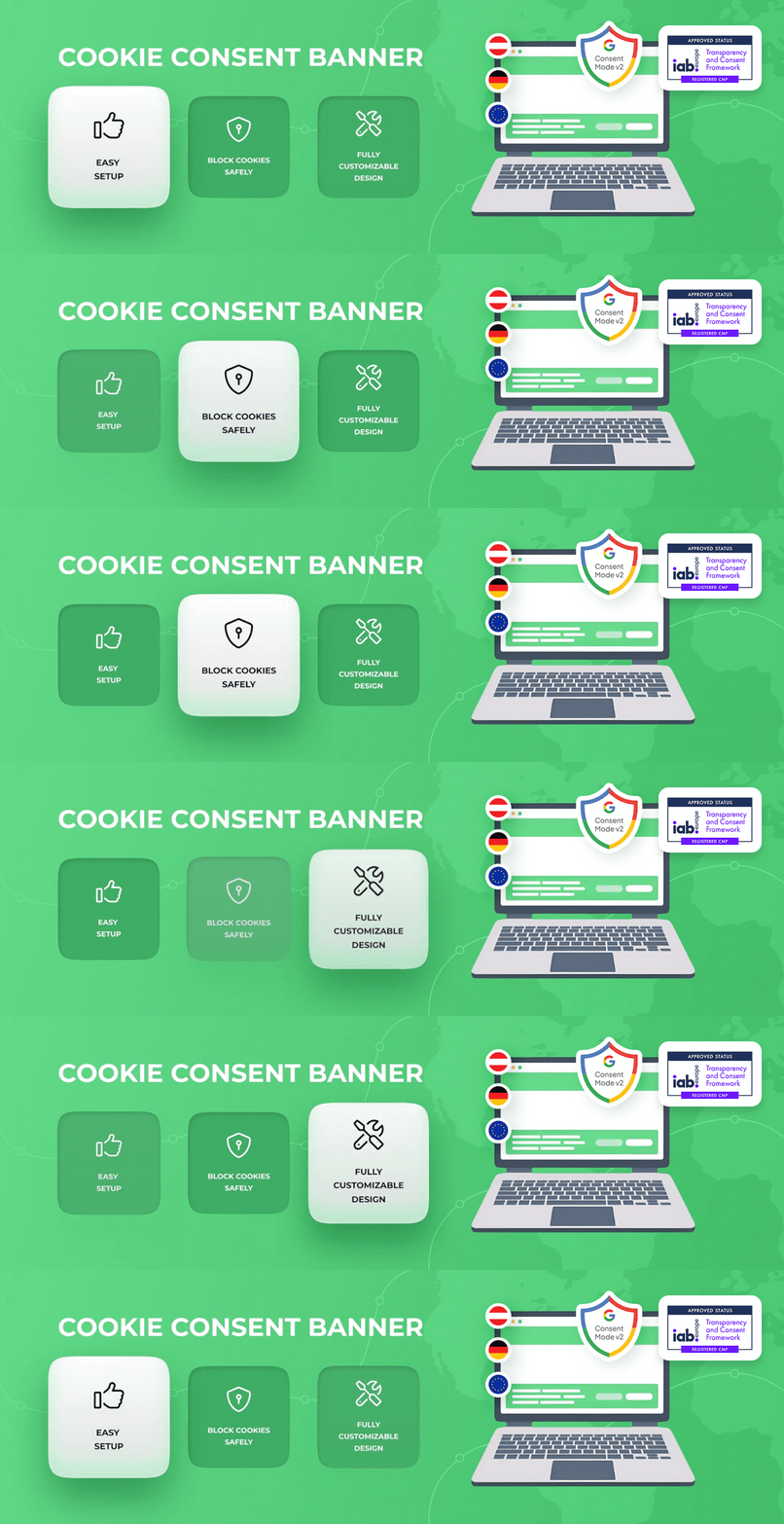
Add a GDPR-compliant cookie consent banner to your website. Certified CMP under IAB Europe TCF with CMP ID 463.
- 正在使用
- 700+
- 评分
- 5.0 / 5
- 累计下载
- 1.6 万
- 最近更新
- 2026年8月19日
贡献者
 AdSimple
截图


The AdSimple Cookie Consent Banner lets you add a fully GDPR-compliant cookie consent banner to your WordPress website — with or without an AdSimple account.
Two ways to get started
Local Setup (no account required): Configure your cookie banner entirely within WordPress using a visual wizard. Choose from 16 color themes, 6 banner positions, 3 layouts, and customize every detail — all without leaving your dashboard.
Connect with AdSimple: Link your website to your AdSimple account for additional features like automatic legal text updates, remote cookie scanning, and centralized management of multiple websites.
Visual Configuration Wizard
The built-in wizard guides you through the setup in six steps:
- 🎨 Design — Pick a position (popup, bottom bar, top bar, corners), layout (classic, block, wireframe), color theme, and fine-tune with custom colors, shadow effects, and a settings button.
- ✏️ Texts — Customize the banner title, consent message, button labels, and link your privacy policy and legal notice pages.
- 🍪 Cookies — Manage cookie categories (required, statistics, marketing, preferences, and more). Run a browser-based quick scan to detect cookies on your site.
- ⚙️ Settings — Set consent validity (1–365 days) and define visibility rules to exclude specific paths from showing the banner.
- 🚀 Features — Enable Google Consent Mode v2 and Global Privacy Control (GPC) support.
- ✅ Review — See a summary of your configuration and publish the banner.
Key Features
- 🆓 Works without an account — Full local banner setup with no external dependencies.
- 🎨 16 color themes — Pre-built themes plus full custom color control (18 color fields).
- 📐 6 banner positions — Popup (center), bottom bar, bottom-left, bottom-right, top bar, top fixed.
- 🧱 3 layouts — Classic, Block, Wireframe.
- 🔒 Script blocking — Third-party scripts are automatically blocked until the visitor gives consent.
- 🔍 Browser-based cookie scan — Detect cookies directly from the admin dashboard, no remote service needed.
- 📊 Google Consent Mode v2 — Built-in support with configurable default consent states.
- 🛡️ Global Privacy Control (GPC) — Respect the W3C GPC opt-out signal (
navigator.globalPrivacyControl). Non-essential cookies are auto-rejected when the visitor’s browser signals GPC, and the banner is skipped while the settings badge stays accessible. - 🍪 Cookie categories — 6 categories (required, statistics, statistics-anonymous, marketing, unclassified, preferences) with per-category activation, locking, and visibility controls.
- 🚫 Visibility rules — Exclude specific paths (e.g. /checkout, /my-account/*) from showing the banner.
- ⚙️ Settings button — Configurable floating button so visitors can change their preferences at any time.
- 👁️ Live preview — See your banner changes in real time while configuring.
Compliance & Standards
- ✅ IAB TCF 2.2 — Officially registered Consent Management Platform (CMP) with CMP ID 463.
- 🛡️ GDPR & ePrivacy — Fully compliant with EU privacy regulations.
- 🌐 W3C GPC — Honors the Global Privacy Control opt-out signal.
- ♿ WCAG 2.1 — Accessible design meeting European Accessibility Act (EAA) requirements.
- 🔌 WP Consent API — Compatible with the WordPress Consent API for seamless integration with other plugins.
Shortcode
📋 Use [acm_cookie_list] to display an organized list of all detected cookies on any page or post.
Cache Compatibility
⚡ Tested and compatible with WP Rocket, WP Super Cache, W3 Total Cache, LiteSpeed Cache, Autoptimize, SG Optimizer, and WP Fastest Cache.
About AdSimple
AdSimple is a provider of privacy and consent management solutions based in Austria. As a registered Consent Management Platform (CMP) under the IAB Europe Transparency and Consent Framework (TCF) with CMP ID 463, AdSimple helps website owners comply with GDPR and ePrivacy regulations.
Learn more: