
Admin Sticky Widget Areas
v1.0.0Sridhar Katakam · 2017年12月10日 上架
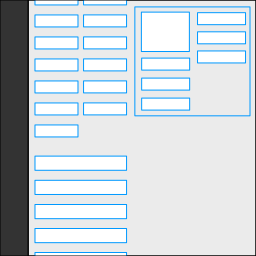
A simple plugin to make the widget areas on the right side of /wp-admin/widgets.php sticky.
- 正在使用
- 20+
- 评分
- 4.3 / 5
- 累计下载
- 3,809
- 最近更新
- 2019年5月14日
3 条评价需要 WordPress 4.9+已测试到 5.2.31PHP 5.6+
贡献者
 Sridhar Katakam
截图

This plugin fixes the widget areas on WordPress widgets page on the admin backend so they always remain in view when scrolling up/down.
It will greatly reduce the time and effort in having to hold widgets and drag a long distance up and down.
Set to work from 481px and above i.e., only when the widget areas appear on the right side, in a column.
If you do not wish to use the plugin and want to temporarily achieve the same sticky widgets, bring up your browser’s dev tools and add this CSS to the widgets page:
@media only screen and (min-width: 481px) {

    .widget-liquid-right {
        position: -webkit-sticky;
        position: sticky;
        top: 42px;
    }

}
Automatic Installation
Search for Admin Sticky Widget Areas from within your WordPress plugins Add New page and install.
Manual Installation
- Click on the
Downloadbutton to download the plugin. - Upload the entire
admin-sticky-widget-areasfolder to the/wp-content/plugins/directory. - Activate the plugin through the
Pluginsmenu in WordPress.