
Admin login URL Change
v1.2.5Jahid Hasan · 2021年11月23日 上架
Allows you to Change your WordPress WebSite Login URL Slug.
- 正在使用
- 2,000+
- 评分
- 5.0 / 5
- 累计下载
- 2.9 万
- 最近更新
- 2026年11月12日
贡献者
 Jahid Hasan
截图
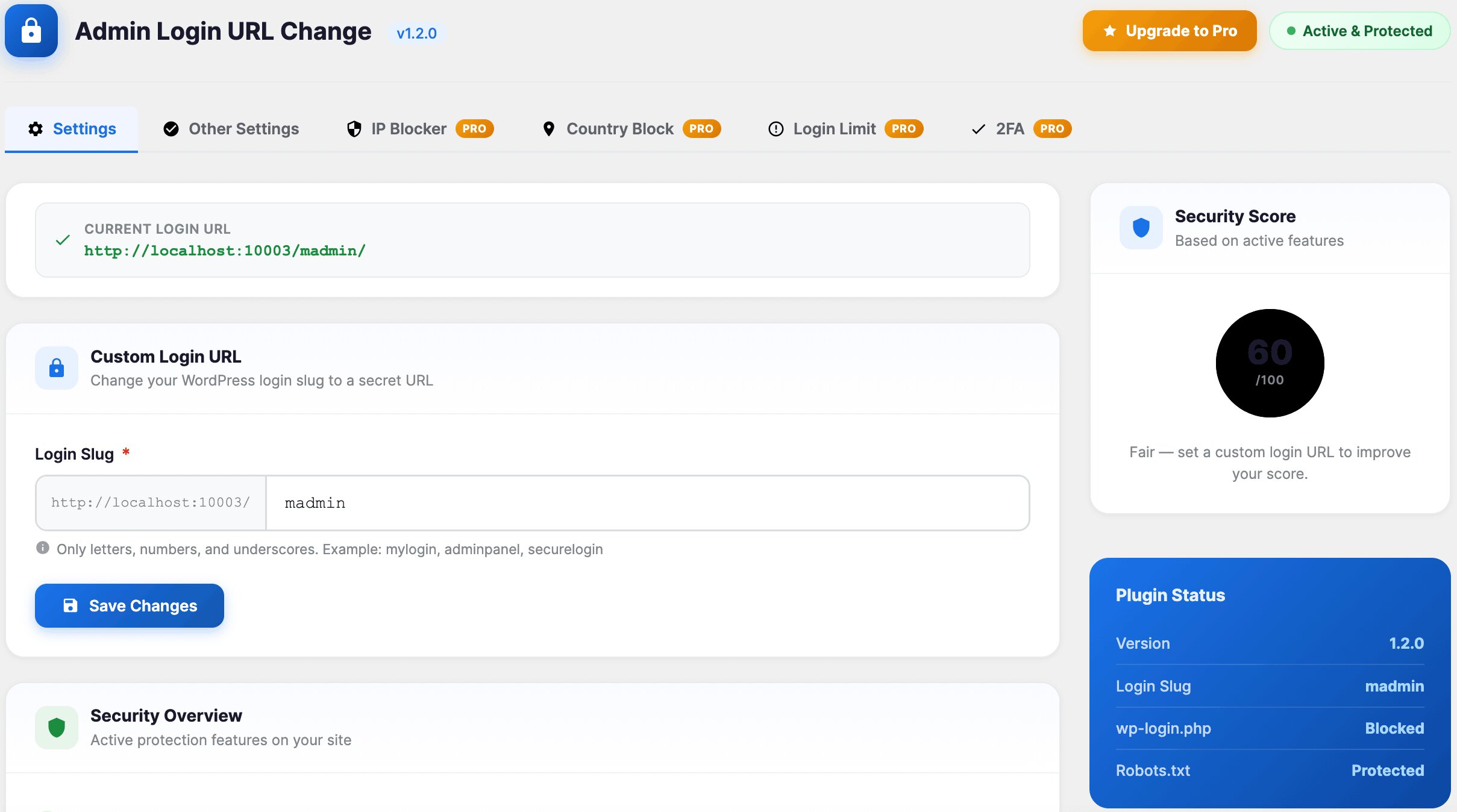
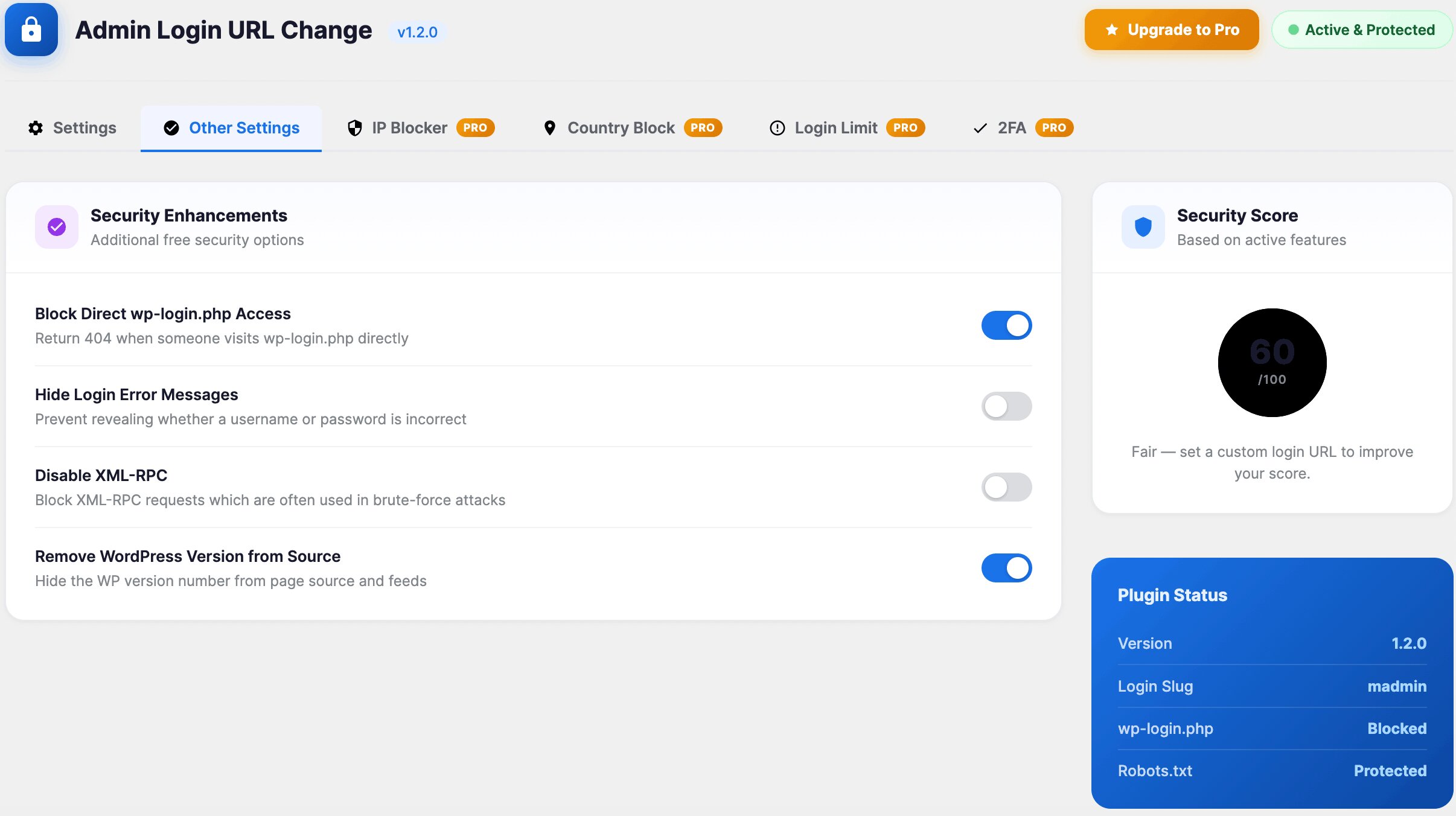
Admin login URL Change is a very lightweight, highly secure plugin that lets you easily and safely change the URL of the login form page to anything you want. It does not change any core files. It simply intercepts page requests and works on any WordPress website. This is great for your convenience, but it also closes the door to would-be brute-force attackers.
Why Use Admin Login URL Change?
WordPress websites are common targets for automated bots and hackers attempting to gain unauthorized access via brute-force login attempts. The default login URLs (wp-login.php and wp-admin) are widely known, making them easy targets. Admin Login URL Change solves this problem by letting you rename your login URL to something unique, effectively closing this security loophole.
🚀 Get Even More Security with Pro Features!
Upgrade to the Pro Version to unlock elite-level protection mechanisms:
* IP Address Blocker: Block individual IPs or entire CIDR ranges from even accessing your custom login page, featuring auto-ban thresholds, ban durations, and email alerts.
* Searchable Country Blocker: Restrict login access to specific countries using a live, search-filtered database of 200+ global regions.
* Login Attempt Limiter: Set max retries, retry windows, lockout durations, and display warning alerts to prevent dictionary and brute-force attacks.
* Two-Factor Authentication (2FA): Add an ironclad second layer of verification via Authenticator Apps (Google Authenticator, Authy, Microsoft Authenticator) or Email OTP.
* Login Alerts: Receive instant email notifications whenever someone successfully logs in or fails to log in — with IP, username, and timestamp included.
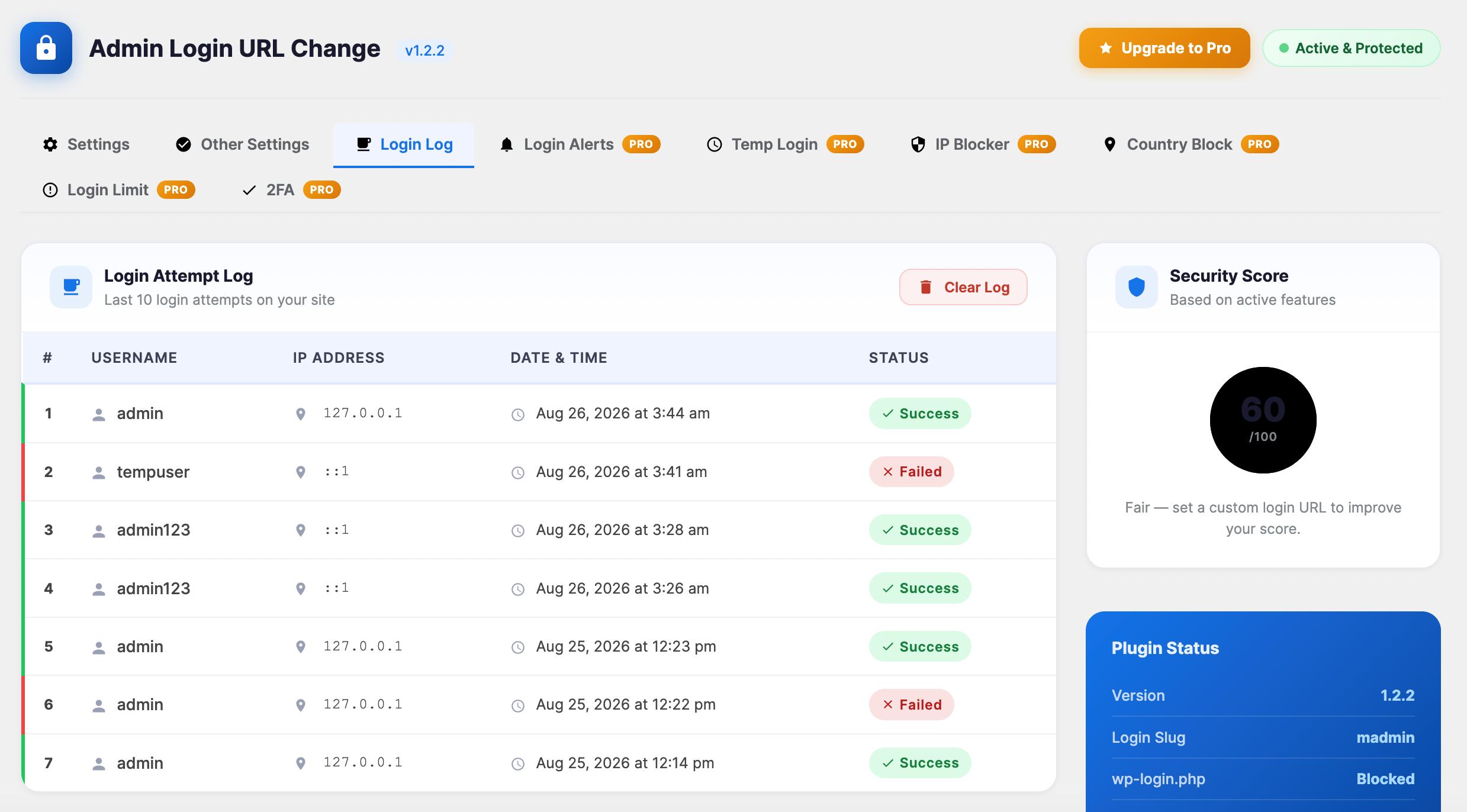
* Full Login Audit Log: Unlimited login history (up to 500 entries) with user-agent details, replacing the free 10-entry limit.
How to use the plugin
- Go to your dashboard and navigate to the Admin Login Slug menu.
- Enter your custom login slug (e.g.
madmin). - Click “Save Settings”.
- Bookmark your new URL and test it!
External Services
This plugin utilizes the Freemius SDK to handle opt-in telemetry, license activation, Pro upgrades, automatic security updates, and billing support.
Data is only sent to Freemius if you opt in, or when you open the pricing page or buy, activate or update the Pro version. This can include your site URL, WordPress, PHP and plugin versions, and your admin name and email address.
- Service Link: https://freemius.com
- Terms of Service: https://freemius.com/terms/
- Privacy Policy: https://freemius.com/privacy/