
AddOnn Attribute Image Gallery for WooCommerce
v2.2.5AddOnn Tech · 2026年9月14日 上架
Upload one image and gallery per attribute value (like Color) within a product and apply it automatically to every matching WooCommerce variation.
- 正在使用
- 30+
- 评分
- 暂无
- 累计下载
- 356
- 最近更新
- 2026年9月14日
需要 WordPress 6.0+已测试到 7.1.5PHP 7.4+
贡献者
 AddOnn Tech
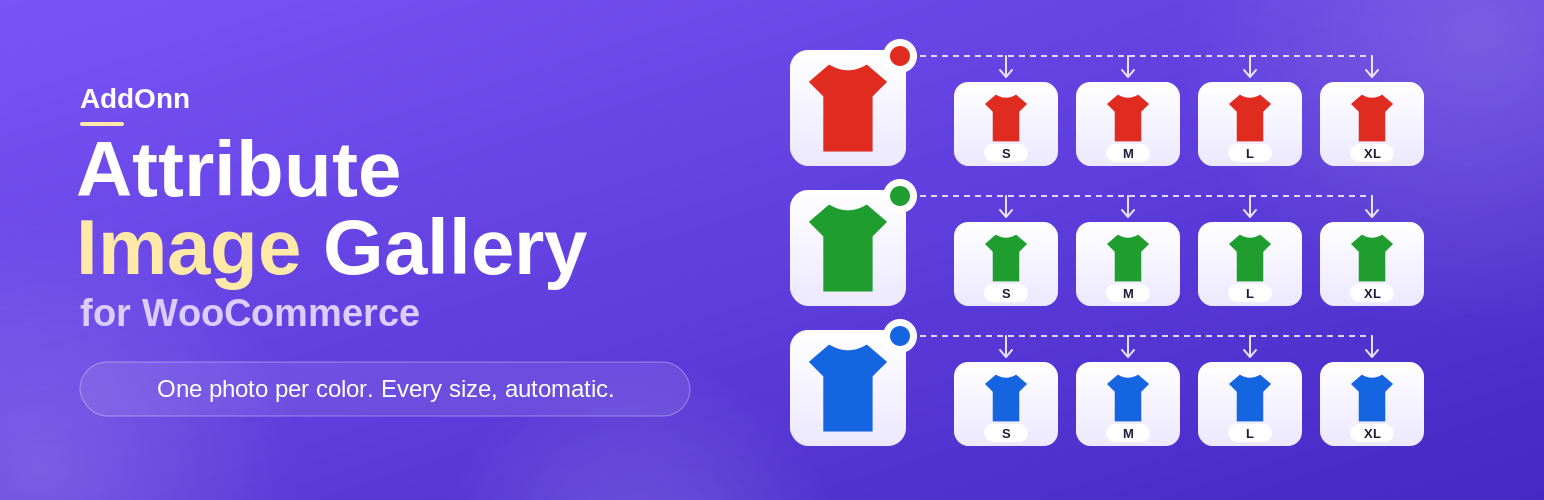
If your products use attributes like Color and Size, WooCommerce makes you upload a separate image for every single variation, and it only supports ONE image per variation, not a gallery. Four colors times four sizes means sixteen uploads, even though the photo only changes with color.
AddOnn Attribute Image Gallery fixes this:
- Upload one image and a full photo gallery per attribute value (e.g. once for “Red”), not per variation.
- Every variation in that product that uses that value, across every size, gets the image and gallery automatically.
- Images are scoped to each product, so two different products that happen to share a value (e.g. both have a “Red”) never accidentally share the same photo.
- One-click “Sync Variation Images” button re-applies images any time you add new variations or update a value’s photos.
- The frontend product gallery swaps automatically when a shopper changes the variation.
- Pro: managing dozens or hundreds of products? Export your entire image mapping to a spreadsheet, update it in bulk, and re-import in one click — instead of clicking through every product one by one.
How it works
- Pick your “primary” attribute (usually Color) under WooCommerce > Variation Gallery.
- Open a variable product that uses this attribute. Click the new “Variation Gallery” tab in the Product data box.
- Upload one image and gallery per value used on that product (e.g. once for Red, once for Blue).
- Update/save the product, then click “Sync Variation Images” in the Variations tab.
- Done. All matching variations in that product, any size, now share the same image and gallery.