

Add to Google Calendar for Contact Form 7
v1.5Samuel Silva · 2019年1月30日 上架
Provides a “Add to Calendar” button when a form is submitted.
- 正在使用
- 100+
- 评分
- 5.0 / 5
- 累计下载
- 5,718
- 最近更新
- 2019年5月8日
3 条评价需要 WordPress 4.1+已测试到 5.2.31PHP 5.3+
贡献者
 Samuel Silva
截图


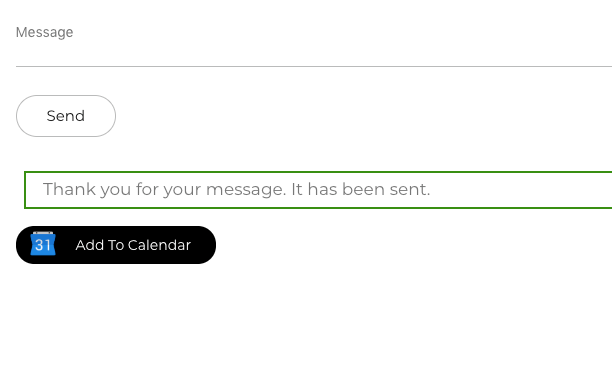
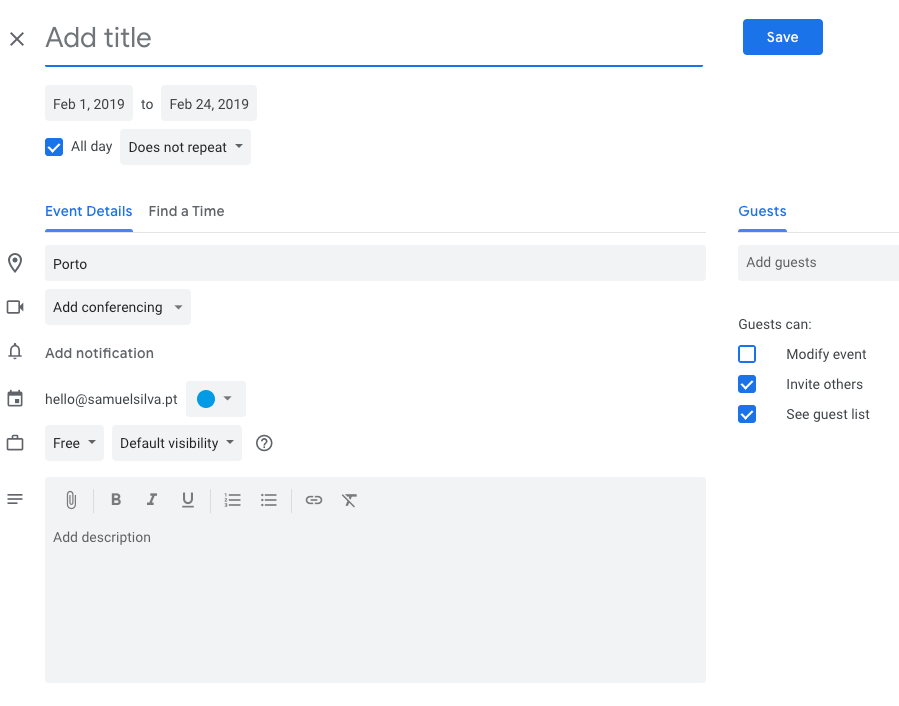
- This plugin provides a “Add to Calendar” button when a form (CF7) is submitted.
- After sending a form with a date field (reservation, booking, event), you can add that date on your calendar (Google Calendar for now).
- Basically, you allow the user to sync the form with their Google Calendar.
Contact Form 7 (CF7) plugin is required.
Features
- Booking/Reservation purpose;
- Compatible with Google Calendar;
- Simple configuration is needed (Easy to use);
- A simple button is added when a form is submitted.
- You can choose the Title, Description and Location for the event
- You can customize your button with background and text color
Google Calendar icon by Icons8.