

Add Customer for WooCommerce
v1.10.1dansart · 2020年12月1日 上架
Adds a new checkbox to the orders page to add a new customer/user and links orders to existing accounts
- 正在使用
- 1,000+
- 评分
- 5.0 / 5
- 累计下载
- 3.2 万
- 最近更新
- 2026年11月11日
贡献者
 dansart
截图
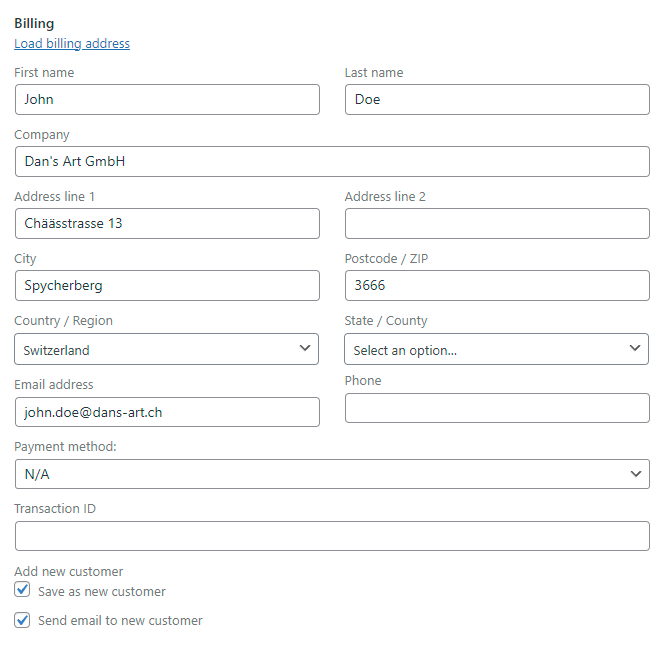
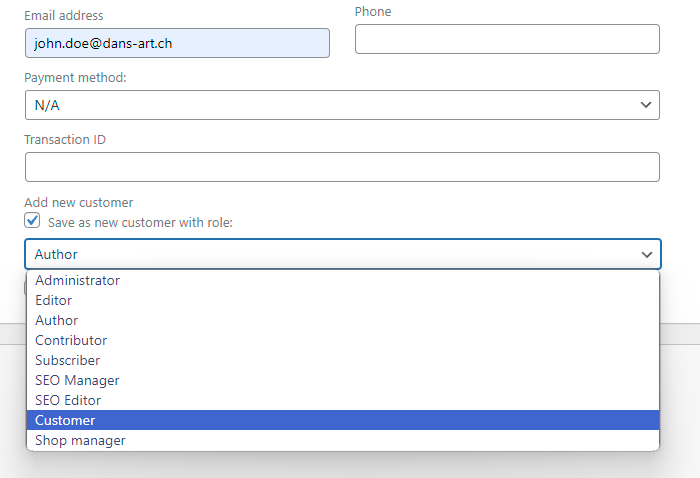
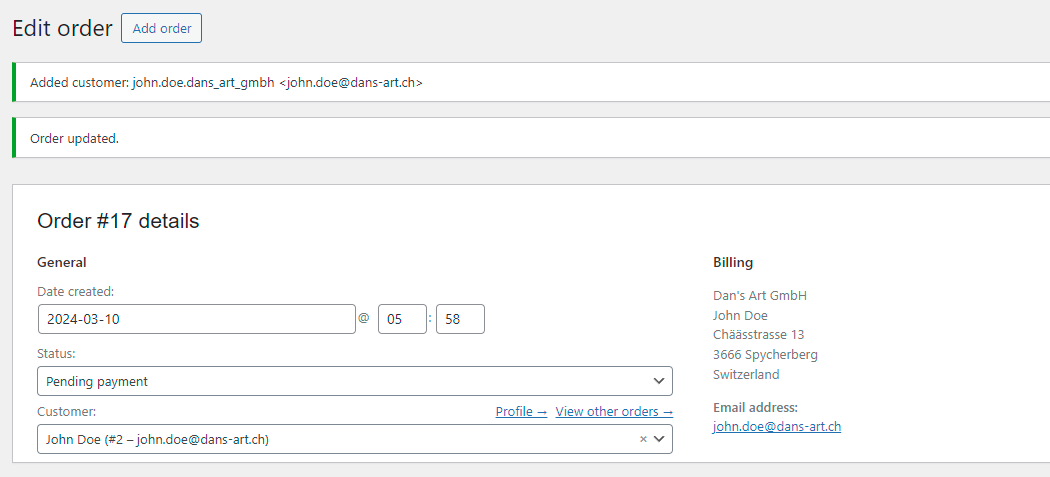
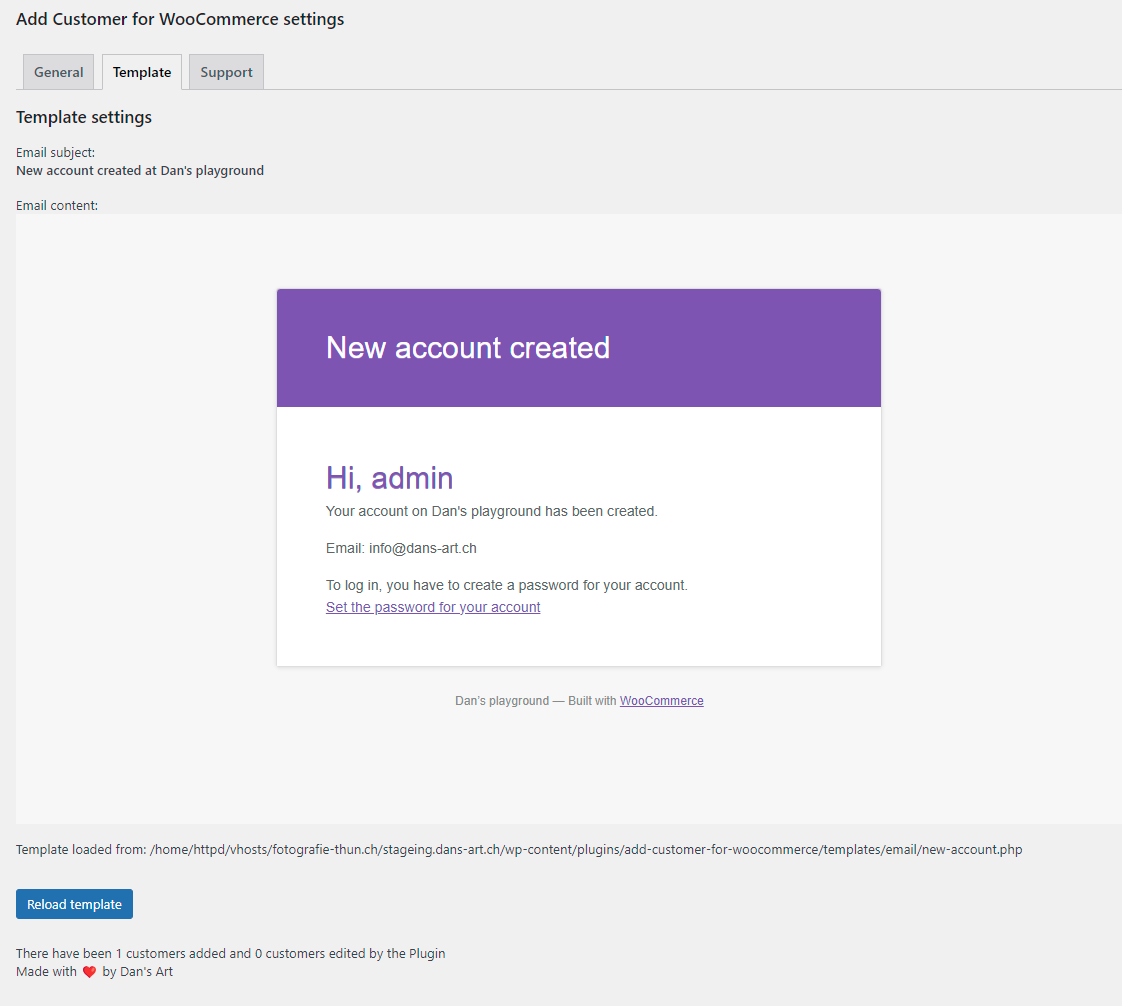
This plugin is designed to simplify the process of creating new users/customers. It’s particularly useful if you receive client orders via phone or email and want to integrate these orders into WooCommerce for stock and order management.
The plugin adds a checkbox at the end of the billing address form. When this box is checked, it creates a new user with the role “customer.” If an email is not provided, the plugin generates a unique one using your site’s domain as the email domain and the customer’s name as the local part (e.g., firstname.lastname@your-site.com). You have the option to customize this auto-generated email format.
Try it out for free with TasteWP:
https://tastewp.com/new?pre-installed-plugin-slug=woocommerce%2Cadd-customer-for-woocommerce
By default, the newly created user does not receive any emails during account creation, though they will probably on order updates.
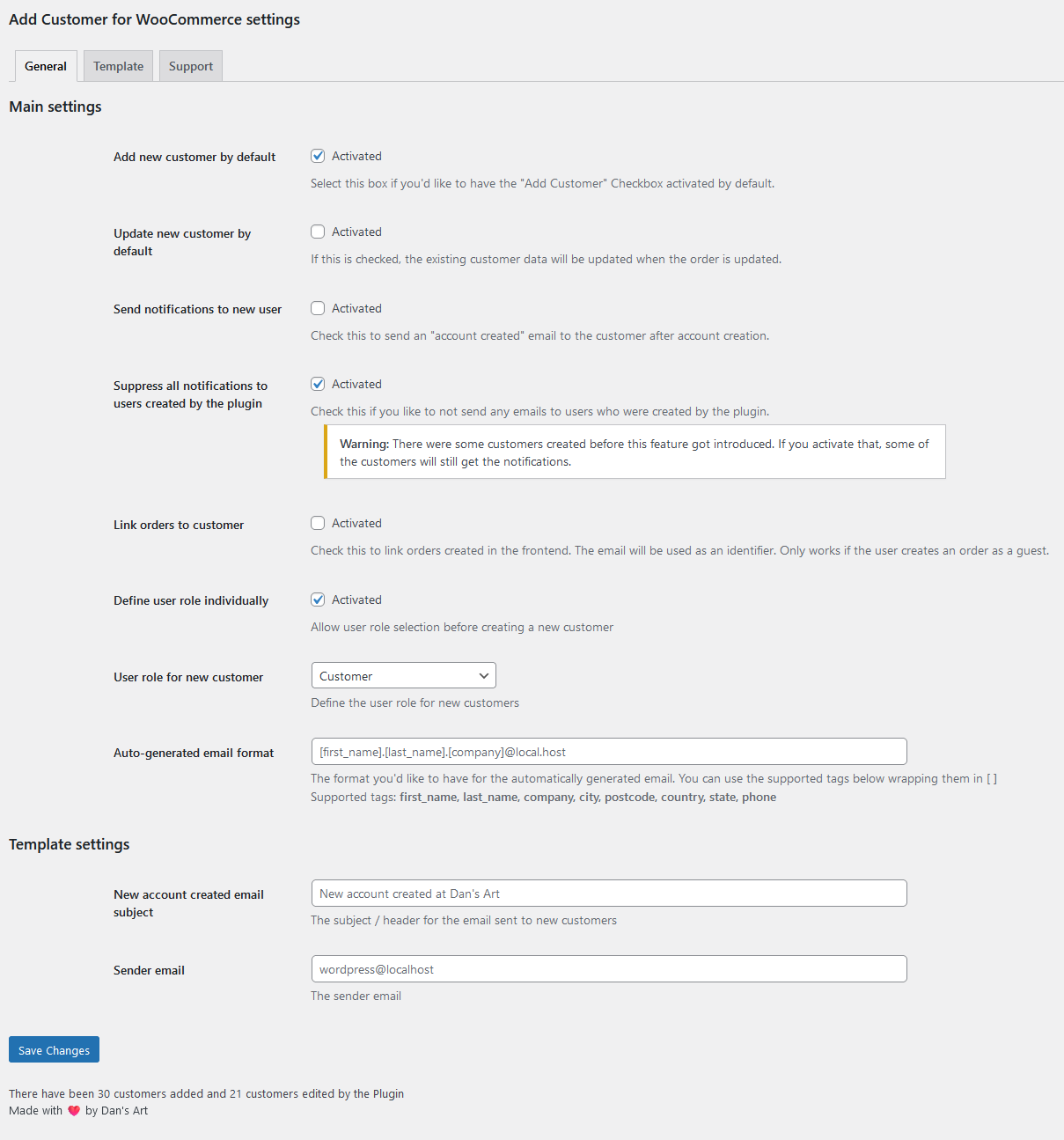
In the settings menu, there are options to:
– Check the box by default
– Send login credentials to the new customer
There are also additional options:
– Update new customer information by default
– Link customer orders
– Define the user role individually
– Set the user role for new customers
– Customize the auto-generated email format
– Edit the email subject for accounts created
– Change the sender’s email address
Settings Menu:
WooCommerce -> Add customer settings
Required Plugins: WooCommerce 4.7.0 or higher
Required PHP extension: Intl
If you like the plugin, please leave some stars or buy me a coffee. Thank you!