

Coming Soon and Maintenance Mode Page
v1.0.6PatternsWP · 2024年3月12日 上架
Craft captivating Coming Soon, Maintenance Mode or Under Construction Page effortlessly with Gutenberg Blocks/Patterns or your favourite page builder.
- 正在使用
- 50+
- 评分
- 5.0 / 5
- 累计下载
- 2,887
- 最近更新
- 2025年4月18日
 PatternsWP
 codersantosh
截图


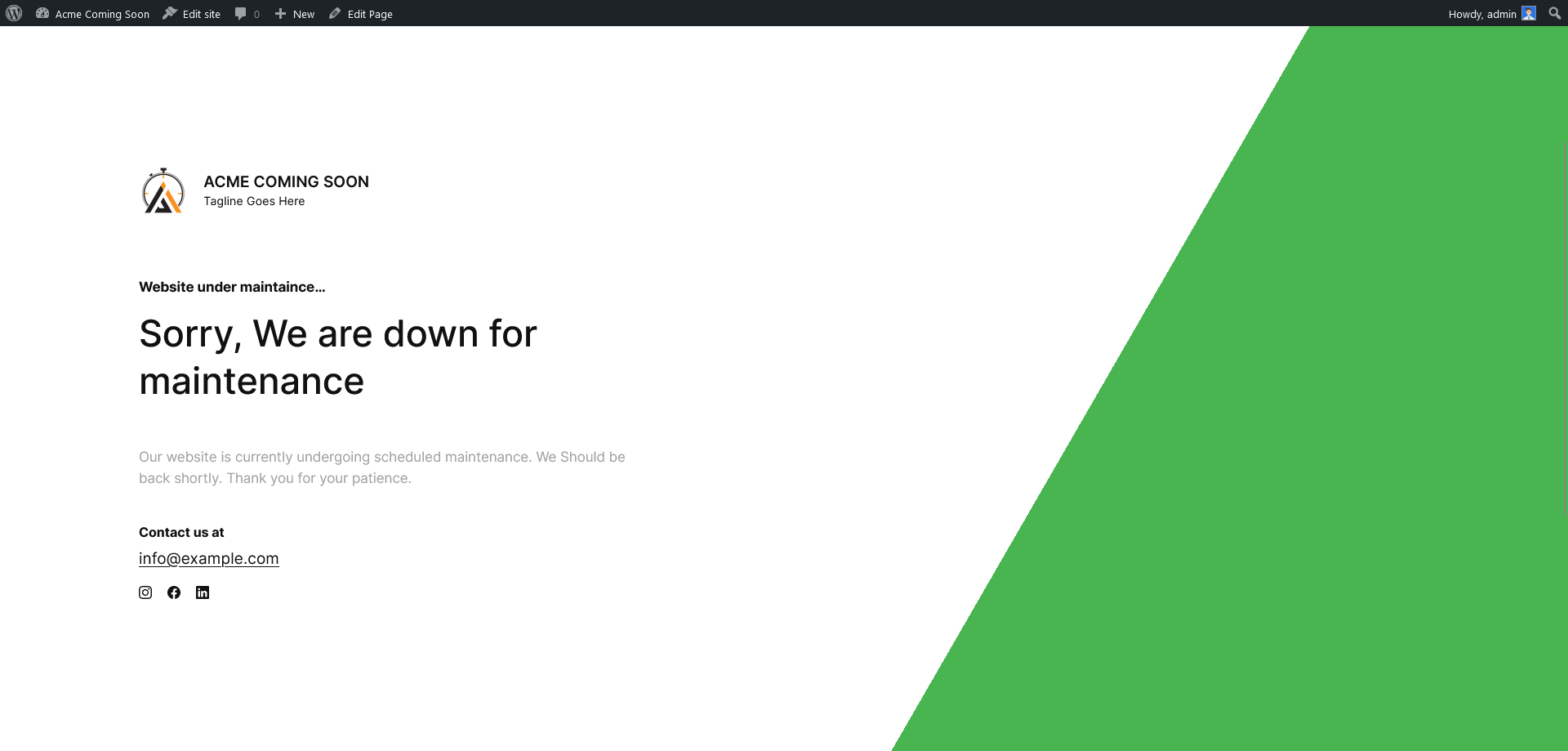
Activate the Coming soon (Maintenance) Mode to redirect visitors to a specific page while you work on your site. This plugin allows you to create a landing page that informs your visitors that your site is under construction, whether you call it Coming Soon, Under Construction, or Maintenance Mode.
Easily enable or disable Coming Soon (Maintenance) Mode with a click. Activating the Coming Soon (Maintenance) Mode will redirect unauthorized visitors to a personalized page. You can craft your page using Gutenberg Blocks/Patterns or your favourite page builder with complete flexibility and all the features available for creating any WordPress page. We recommend including a message, countdown timer, subscription form, contact form, and social media icons to create a better landing page for your under-construction page.
The plugin is handy when you are developing a new blog or site, or working on updates and maintenance for an existing site. Redirecting visitors to a specially designed page will ensure a smooth user experience. You can explain the changes and let visitors know when they can expect the site to be fully operational again.
Inbuilt Patterns for Quick Setup
The ‘Coming Soon and Maintenance Mode Page’ plugin comes with a collection of inbuilt Gutenberg Block Patterns that users can easily apply for a quick setup.
Locating and Inserting Patterns
-
Access the Block Editor: Open the page or post where you want to use a pattern. Click the “Add Block” button (+) or the “+” sign in the top left corner of the block editor.
-
Switch to the Patterns Tab: In the block inserter window, click the “Patterns” tab. This displays all available patterns.
-
Coming Soon and Maintenance: Within the Patterns tab, find the category labelled “Coming Soon and Maintenance.” This categorization ensures a quick and efficient search for the patterns tailored to your needs.
-
Insert a Pattern: Click on one of the patterns to insert it directly into your edit content area.
-
Modify as Needed: The inserted pattern serves as a starter template. Customize it effortlessly to align with your specific requirements. Modify text, colours, and any other elements to ensure your Coming Soon or Maintenance Mode page reflects your unique style.
Features
- Enable or disable Coming Soon (Maintenance) Mode with a simple click.
- Redirect unauthorized visitors to a specific page of your choice.
- Design your page using Gutenberg Blocks/Patterns or your preferred page builder.
- Utilize the full flexibility and features of WordPress page creation for your Maintenance Page.
- Allow search bots during maintenance mode.
- Remove all plugin settings when deactivating.