
Accessibility by AudioEye
v1.2.0netopsae · 2021年8月3日 上架
AudioEye automatically finds and fixes common accessibility issues on your site. This plugin provides an easy way to install AudioEye’s accessibility …
- 正在使用
- 2,000+
- 评分
- 3.3 / 5
- 累计下载
- 2.5 万
- 最近更新
- 2026年5月12日
贡献者
 netopsae
截图


AudioEye’s patented technology tests for over 400 accessibility and compliance issues, and fixes many of them automatically, reducing the time to make content accessible.
You will get your first AudioEye Accessibility Score the moment you install AudioEye on your site. From then on, AudioEye monitors your site for new issues with every site visitor, detecting and fixing hundreds of errors, while also providing you with a reporting dashboard that identifies what we cannot fix and needs your attention.
Technology can’t do it alone. With advanced plans, AudioEye has a team of certified accessibility experts who can help you throughout your accessibility journey. For those issues that we cannot fix automatically, we show you what the issue is, and how to address it on your site. If a lawsuit occurs, AudioEye is here to support you every step of the way.
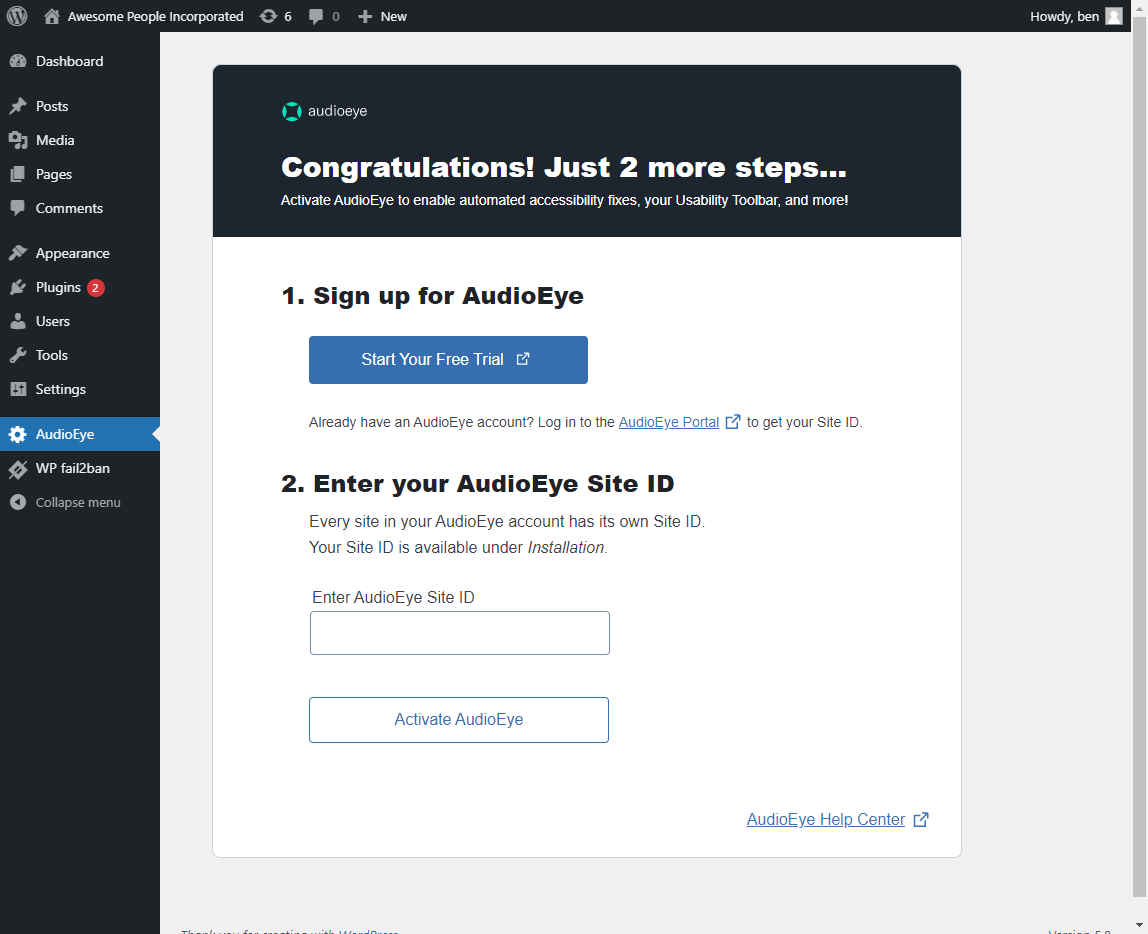
Note: Use of the AudioEye plugin requires an active subscription to an AudioEye Plan. See pricing here. A link to sign up for a new account is presented during the plugin activation process. To log into an existing AudioEye account, you will need to provide your AudioEye Site ID.
Script delivery (CDN): AudioEye loads the storefront script (aem.js) from wsmcdn.audioeye.com by default today. We are migrating to wsv3cdn.audioeye-services.com. New setups without a saved Site ID use the new host by default; sites that already had a Site ID saved before the CDN preference existed keep the legacy host until an administrator enables the new host under AudioEye Script CDN (Advanced) after allowlisting the new URL in any Content Security Policy (script-src, etc.). On first run, the plugin includes an optional onboarding step that explains how to allowlist the new host in your CSP.
Features included in all AudioEye base plans:
- Path to compliance with ADA, Sec 508, AODA & more, using WCAG 2.1 AA
- AudioEye Trusted Certification
- Usability toolbar with 24/7 Helpdesk
- Suite of AI-Powered Tests & Fixes
- Access to Certified Accessibility Experts
- Basic Legal Support & Warranty
Features available in AudioEye custom plans:
- Advanced Legal Support
- Manual Remediations
- Premium Support
- Custom Training