

A360 Login Avatar Panel
v1.4A360 · 2026年7月19日 上架
Adds an extra avatar-selection step to the WordPress login screen for selected users.
- 正在使用
- 10 以下
- 评分
- 暂无
- 累计下载
- 533
- 最近更新
- 2026年10月18日
贡献者
 A360
截图
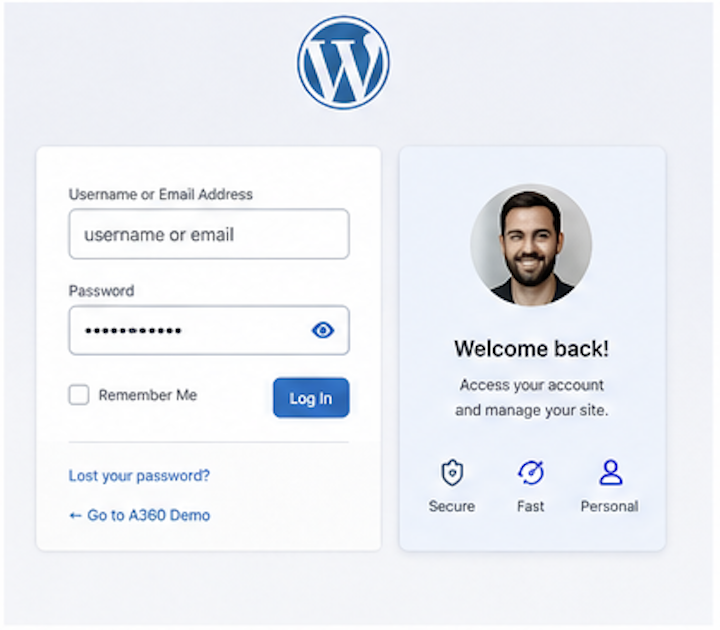
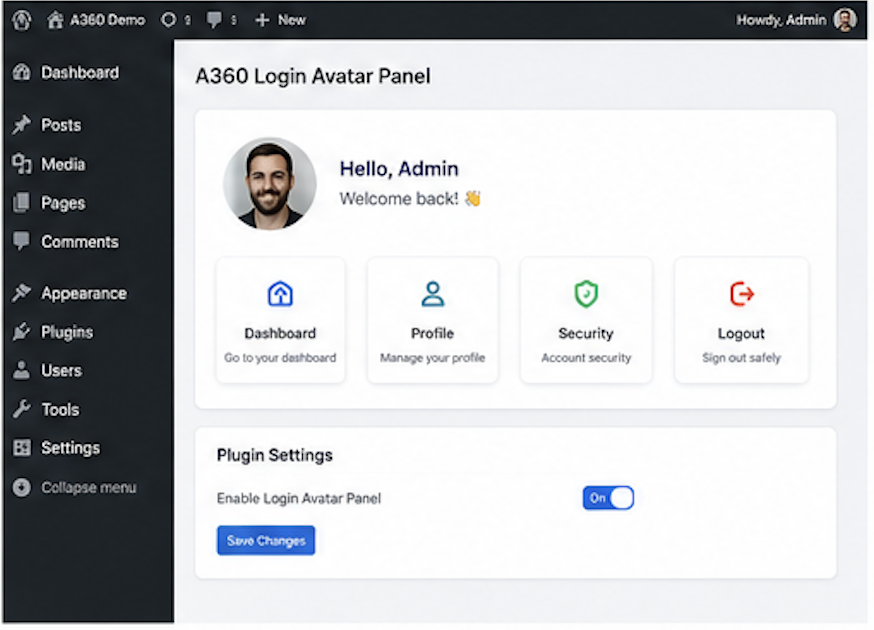
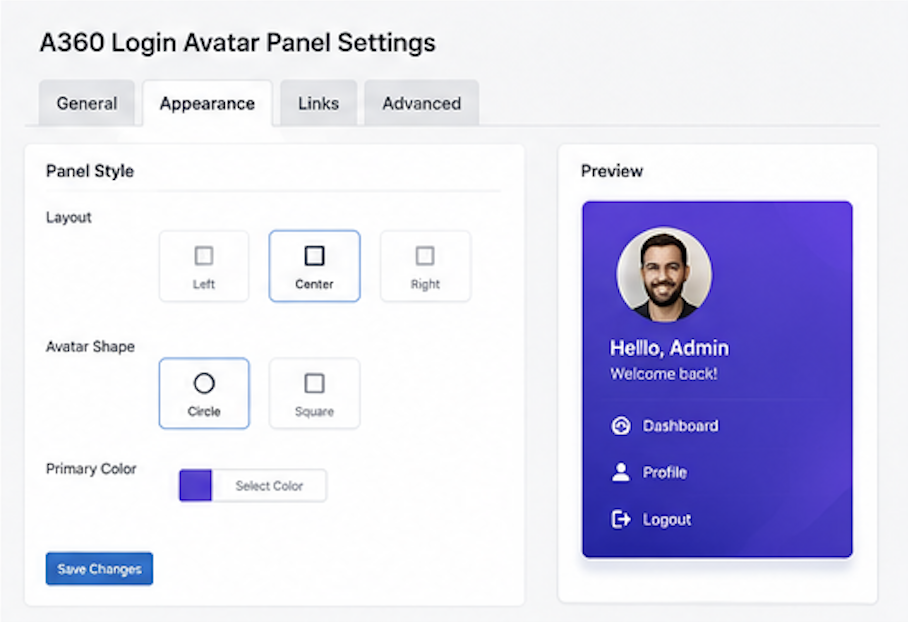
A360 Login Avatar Panel adds a simple visual verification step to the WordPress login form.
Administrators can enable the panel globally and assign one required avatar to each user. During login, the user enters the normal WordPress username and password, then selects the assigned avatar from a randomized icon grid.
The avatar selection is checked only after WordPress has already validated the username and password. This avoids exposing whether a username exists through the avatar step.
This plugin is intended as an additional login barrier. It is not a replacement for a proper two-factor authentication plugin.
Features:
- Enable or disable the login avatar panel.
- Assign required avatars per user.
- Randomize the avatar order on every login page load.
- Keep normal WordPress login and password handling unchanged.
- Validate the avatar only after successful password authentication.
- Customize the login page background color and background image.
- Track failed and successful login activity.
- Temporarily block IP addresses after repeated failed login attempts.
- Send an administrator email when failed attempts from one IP exceed the configured threshold.
- Optionally block XML-RPC requests when remote publishing or Jetpack is not needed.
- Show a login security dashboard widget and security report in plugin settings.
- Save safelist and denylist entries for IP addresses/ranges and usernames.
- Reset the lockout counter from the security settings tab.
Privacy
A360 Login Avatar Panel stores plugin settings and login activity data in WordPress options. Successful login counters store timestamps only. Failed login details store timestamp, IP address, attempted username, failure reason, and browser user agent for security monitoring, temporary IP blocking, and administrator email alerts. Safelist and denylist values are stored only when an administrator enters them in the Security tab.